Getting Started

Share the exact location — not directions

1. Tap a DropPoint first

See how easy it is to use DropPoint.

Open a DropPoint

Tap and see how it works.

2. Open DropPoint

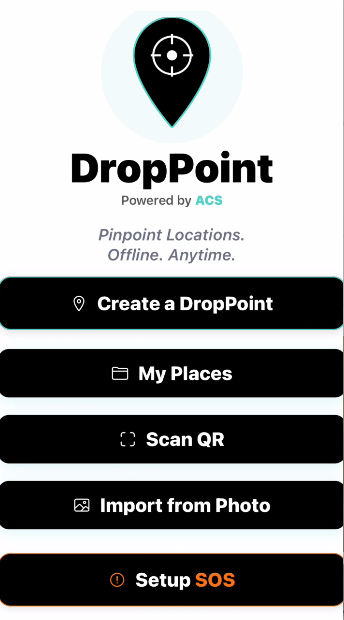
DropPoint landing page
Tap Create a Drop.

3. Create a DropPoint

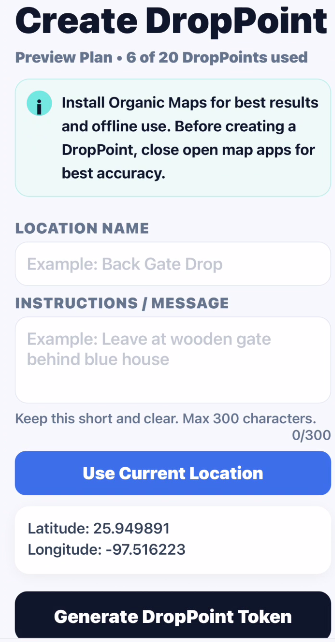
Add a short location name and simple instructions.
Create DropPoint screen
Generate DropPoint token screen
Tap Use Current Location, then tap Generate DropPoint Token.

4. Save or Share it

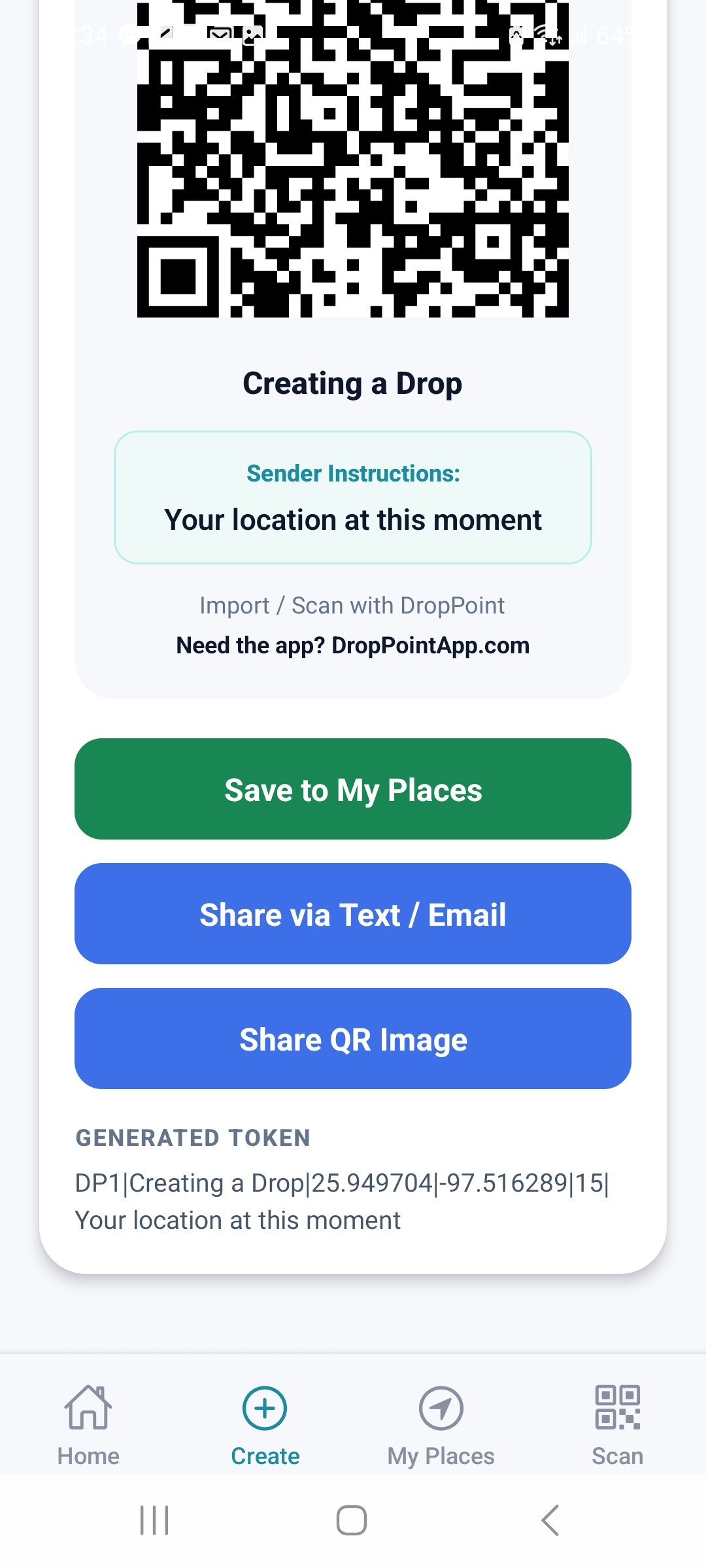
Save or share DropPoint
Save it or share it by text, email, or QR.

5. Use a saved DropPoint

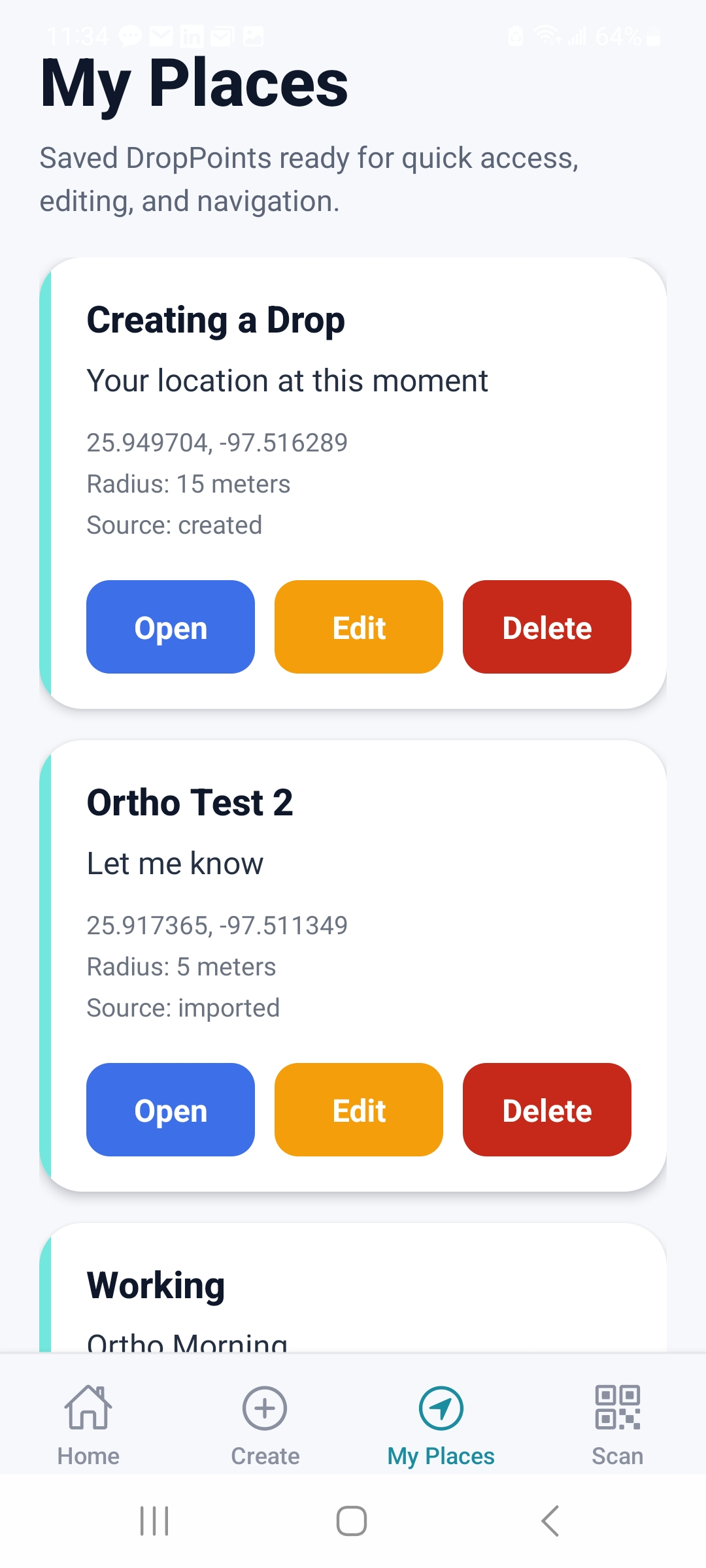
Using a saved DropPoint
Open My Places to use saved Drops.
Drop it. Describe it. Share it.

← Back